
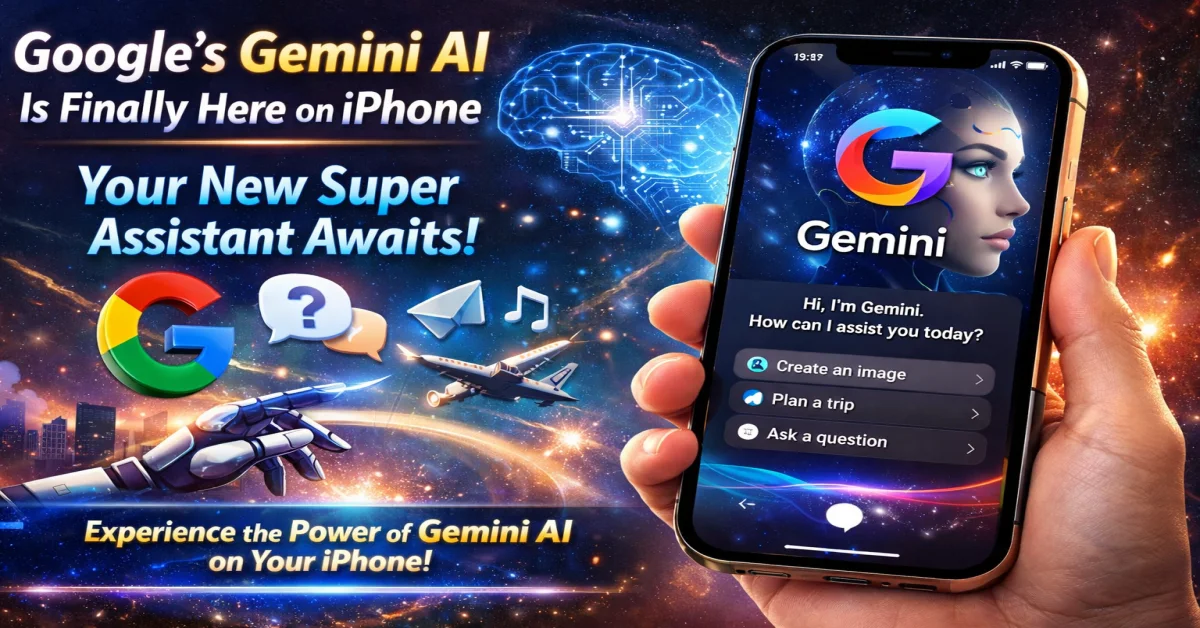
Remember when Siri felt like the future? The idea of a digital assistant in your pocket was revolutionary. But as AI evolved, so did our expectations. For iPhone users, the assistant landscape felt somewhat… limited. That changes now.
Google has launched its groundbreaking Gemini AI assistant on iOS, and it’s not just an app—it’s a paradigm shift. Whether you’re a productivity seeker, a creative mind, or just someone who wants their phone to work smarter, Gemini is poised to become your new go-to super assistant. Here’s everything you need to know.
What is Gemini AI, and Why Is It a Big Deal for iPhone Users?
Gemini is Google’s most capable and versatile AI model yet. Unlike standard voice assistants, it’s built on a next-generation, multimodal AI. This means it doesn’t just process text or voice in isolation; it can understand, combine, and generate insights from text, images, audio, and video seamlessly.
For iPhone users, the arrival of the Gemini app for iOS breaks the walls of a single-ecosystem assistant. You no longer have to choose between your iPhone’s sleek hardware and the most advanced AI. Now, you can have both.
How to Get Gemini on Your iPhone
Getting started is straightforward:
- Head to the Apple App Store.
- Search for “Google Gemini” or “Gemini: Talk, supercharge your creativity”.
- Download the free app.
- Sign in with your Google account.
- You can choose to replace Google Assistant with Gemini for a supercharged experience or use it as a standalone app.
Superpowers of Your New iPhone Assistant: Gemini’s Top Features
1. Contextual Conversations That Feel Natural
Forget rigid command phrases. Talk to Gemini like a human. Ask follow-up questions without repeating context (“Make that shorter,” “Explain the third point,” “Now write it as a poem”).
2. Multimodal Magic: Show and Ask
This is a game-changer. Stuck on a plant? Take a picture and ask, “What is this, and how do I care for it?” See a complex graph in a report? Upload it and say, “Summarize the key takeaways.” Gemini sees what you see.
3. Creative Powerhouse on the Go
Stuck for ideas? Gemini excels at:
- Writing: Draft emails, social posts, blog outlines (like this one!).
- Brainstorming: “Give me 10 catchy names for a new coffee shop.”
- Coding Help: Debug snippets or explain code functions in simple terms.
4. Deep Integration with Google’s Ecosystem
Gemini pulls from your Google Workspace (with permission). Ask, “What are the key points from the document I shared yesterday?” or “Summarize my last three emails from [Client].”
5. Advanced Planning & Analysis
Planning a trip? Say, “I’m going to Tokyo for 5 days. Create a detailed itinerary with food spots and transit tips.” Need data analyzed? Paste a spreadsheet and ask for trends.
Gemini vs. Siri: A New Era of Choice
This isn’t about Siri disappearing. It’s about choice and specialization.
- Siri excels at core device functions: setting alarms, sending messages via iMessage, controlling HomeKit devices.
- Gemini shines in complex reasoning, creative tasks, and web-informed knowledge. Think of Siri as your quick-tap device butler, and Gemini as your in-depth research and creativity partner.
The smart user will use both: “Hey Siri, set a timer for 10 minutes” and “Hey Gemini, help me plan a 10-minute workout for beginners.”
Digiparvat’s Verdict: Should You Download It?
Absolutely, yes. The Gemini iOS app is a free gateway to the forefront of AI. It’s particularly powerful for:
- Students & Researchers: For summarizing articles and brainstorming.
- Content Creators & Professionals: For drafting and ideation.
- Curious Minds: Anyone who wants to leverage AI to simplify daily digital tasks.
The integration is smooth, the interface is clean, and the potential is vast. This is the most significant upgrade to the iPhone’s “intelligence” that didn’t come from Apple.
Frequently Asked Questions (FAQs)
Q1: Is Google Gemini free on iPhone?
A: Yes! The core Gemini experience is completely free via the app. Google offers a paid tier called Gemini Advanced (via Google One AI Premium) for access to the Ultra 1.0 model for more complex tasks.
Q2: Does Gemini work offline on iPhone?
A: No. Gemini processes requests on Google’s powerful servers to provide its advanced capabilities, so a stable internet connection is required.
Q3: Can Gemini replace the Google Assistant app on iPhone?
A: Yes. During setup, you can opt to make Gemini your default Google Assistant. Voice commands through the Google app will then be handled by Gemini.
Q4: Is my data safe with Gemini?
A: Google states that you can manage your Gemini activity in your Google Account’s Activity Controls. As with any AI assistant, it’s good practice to review the privacy policy.
Q5: Can Gemini perform device actions like Siri? (e.g., turn on Bluetooth)
A: Currently, Gemini’s strength lies in knowledge and creativity, not deep iOS system control. For device-specific actions, Siri remains the tool.
Q6: Does Gemini support voice input?
A: Yes. You can tap the microphone icon for voice conversations, making it as hands-free as any other assistant.
Conclusion: The Future is Multimodal, and It’s in Your Pocket
The launch of Gemini for iPhone is more than just another app release. It signals a future where the best AI isn’t locked to a specific brand of phone. It’s a future where your assistant understands nuance, creativity, and context.
Your iPhone just got a whole lot smarter. Gemini AI is here not to replace you, but to augment you—to handle the busywork of thinking so you can focus on doing, creating, and living.
Ready to meet your new super assistant?
Download Google Gemini from the App Store today and experience the next leap in mobile AI. Share your first creative prompt with us in the comments below!
Recommended Article: 10 Secret iPhone Features You’re Not Using (But Will Skyrocket Your Productivity in 2026)

About the Author